
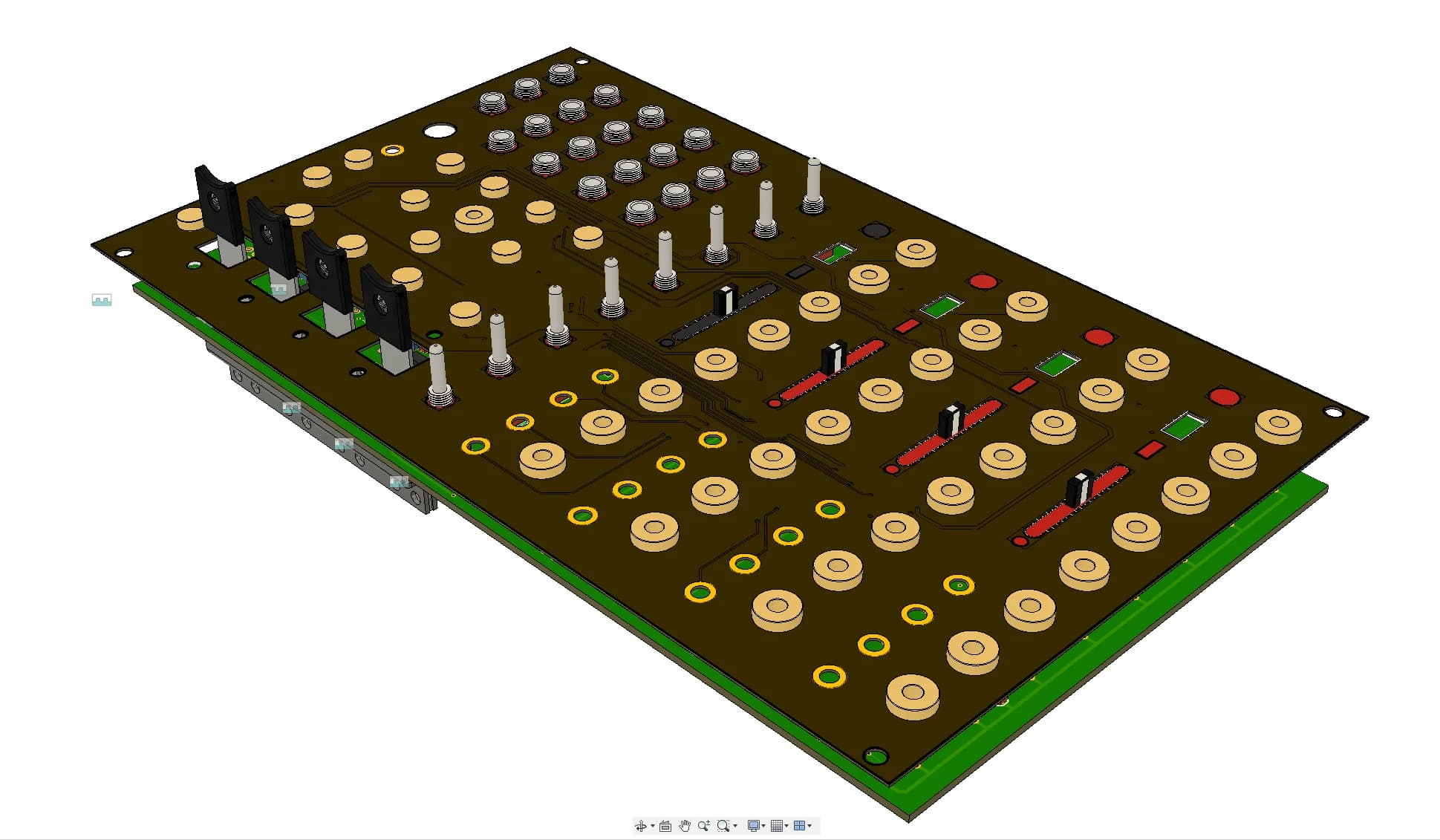
DEGREE Firmware Update + ALT sequencing firmware
Jul 1, 2023
Over the last year, I have been slowly putting together a firmware update for the DEGREE to deal with some reported bugs discovered after its initial release, as well as some features / enhancements that were suggested by users 👌.
For everyone who wrote in, I can't say I included everyones feature requests, but that doesn't mean I didn't appreciate the feedback 🙏. If I left it out, it was either too hard 😅 or it was too much a departure from the original theme / vision I had for the design.
👉 Click here to update your firmware 👈
Here is a list of everything that changed 👇.
Bug fixes:
After recording a sequence, ratcheting would prevent any recorded gate signals from triggering
When using a really low frequency LFO as CV input for quantizing, the quantizer would not latch the input to any new notes
CV input hysteresis (rapid triggering of the gate output). This was kind of a cool effect at times, but its gone now...
Sending a +10V signal to the CV input would randomly crash the system 😬
Allow pitch bend below lowest degree / note
Disabled certain menu actions when record is enabled for stability
smoother transition of bender from idle position to active position 👌
Features / Enhancements:
Sequencing octave touch pads (mono + quantizer mode). This was by popular demand... I am still not super sold on this yet because I do miss being able to jump a sequence up and down an octave, but it does allow for some more interesting melodies...
Saving sequences between power cycles (check the manual to see how this works)
Holding a channel select pad in quantizer mode will let you override the incoming CV when touching the touch pads. Really minor enhancement, but a nice thing to have while improvising / performing.
ALT Firmware
In parallel with the bug fixes and enhancements, I have also been working on an alternate version of the firmware, in an attempt to make the live sequencing a little more forgiving and predictable. This is only a slight departure from the original firmware, and it might not be for everyone which is why I will be maintaining both firmware versions going forward.
ALT firmware summary:
Sequencing is now based on a time signature / beats per bar
The LENGTH button no longer sets a sequences length, but sets the active time signature (options are 3/4, 4/4, 5/4, or 7/4)
Each sequence can have its own time signiature. The sequence time signature is determined by whatever time signature is set using the LENGTH button
The FREEZE LED will indicate beat 1 of the bar
Enabling and disabling sequence record always happens on beat 1 of the bar
Pressing the RECORD button will "arm" sequence recording (REC LED will Flash / blink). Recording only gets enabled (and disabled) once beat 1 of the bar rolls over.
This means each sequence will either be 1 bar long, 2 bars long, 3 bars long, etc.
Reset will reset all sequences to beat 1, as well as the current bar to beat 1
Progress of a channels sequence is now displayed like a clock face (much like ableton does it with their clip looping)
If this isn't clear, I basically took the clip looping / recording from the Ableton Live Session View 🙂. Make sure to check out the manual as well, I updated it.You can also check a video of me demoing this firmware here:
Whats to come next for the firmware?
I have been considering the idea of reducing the "resolution" of the sequencer in order to increase the length of a possible sequence. At times, I find the max length of a sequence tends to be half of what I would like it to be. So, currently there are 96 sub-steps for every step in a sequence. If I reduce the amount of sub-steps down to 24, then the max sequence length would be 4 times longer than it currently is. (note: this is all due to the memory constraints of the microcontroller). This technically would reduce the resolution of the bender movements / touch inputs, but the thing is I don't actually think it would be that noticeable (and lets be honest, we are all quantizing our sequences after we record them anyways 😅). 24 PPQN is still a solid resolution for the touch events, but for the bender events I would have to simulate a smoothing effect for the spots between the sub-steps, but I am already kinda doing that so this also might not be that big of a difference... anyways, not for a while. I want to program the step sequencer now 😃